Free beta · Windows · Mac
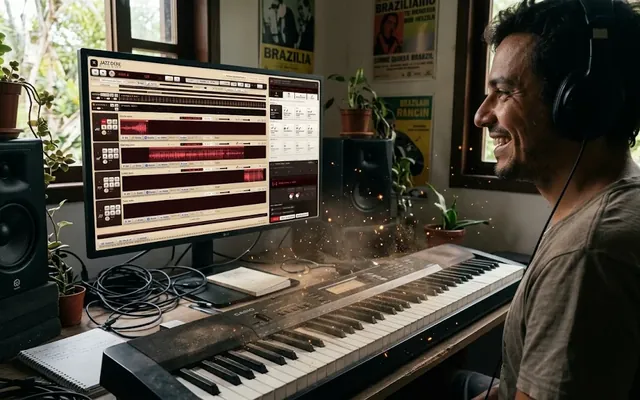
Your keyboard, inside your DAW
Jazz Desk as a plugin for Ableton, FL Studio, Reaper and Cubase. Pick any sound on your keyboard from the screen, play grooves, and never touch the tiny menu buttons again.
Works in
 Ableton Live
 FL Studio
 Reaper
 Cubase · Logic · more
Get the free plugin
One quick step so we can send you updates and help if you get stuck.
or with your email
Thanks! Pick your computer
Free beta. When it asks, allow it to run: Windows → More info, Run anyway. Mac → right-click the file, Open.
Three steps
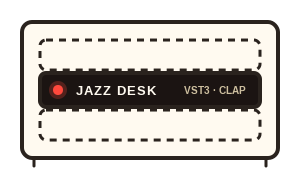 1InstallRun the installer. It puts the plugin where your DAW looks for it.
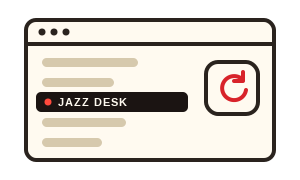 2Rescan pluginsOpen your DAW and rescan. Add “Jazz Desk” as an instrument.
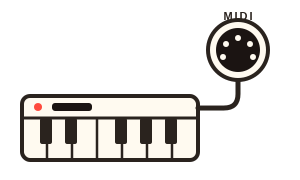 3Pick your keyboardConnect it by MIDI, press the test note, then browse every sound.
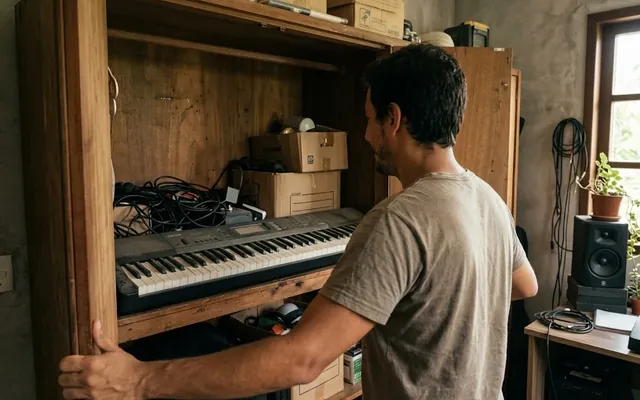
The keyboard in your closet
Free now. Pro when you want more.
- 🔌 The plugin, VST3 and CLAP
- 📖 Your Keys Book inside the DAW
- 👆 Every sound, one click
- 🥁 Grooves and test note
- 📦 Stems + MIDI for any DAW
- ➕ Unlimited Studio tracks
- 💛 Keeps Jazz Desk free for everyone
- ☁️ Cloud sync and plugin Pro tools (on the way)
First 100 players. Pix or card, 7 days money back.
Questions
Where does it install?
The installer suggests the standard folders and lets you pick another if yours are different.
Windows: VST3 in C:\Program Files\Common Files\VST3, CLAP in C:\Program Files\Common Files\CLAP. Mac: AU, VST3 and CLAP in /Library/Audio/Plug-Ins.
If your DAW doesn’t find it, add that folder in the DAW’s plugin settings (Ableton: Preferences → Plug-ins → VST3 Custom Folder; Reaper: Preferences → Plug-ins → VST paths; FL Studio: Manage plugins → Plugin search paths), then rescan.
How do I play the keyboard’s sounds from Ableton?
Jazz Desk sends program changes to your keyboard. In Ableton, add a second MIDI track, choose External Instrument, and set “MIDI From” to the Jazz Desk track. Pick your keyboard as the MIDI output.
Which keyboards work?
The Casio CDP-235R is ready today. Founders add more: send your manual and yours can be next.
Windows or Mac won’t open it
The beta isn’t signed yet. Windows: click More info, then Run anyway. Mac: right-click the file, choose Open, then Open again.
Is it really free?
Yes. The beta plugin and your Keys Book are free. Pro adds cloud and AI tools on top.
💬 Still stuck? Talk to Andrew on WhatsApp · ▶ Try the free demo